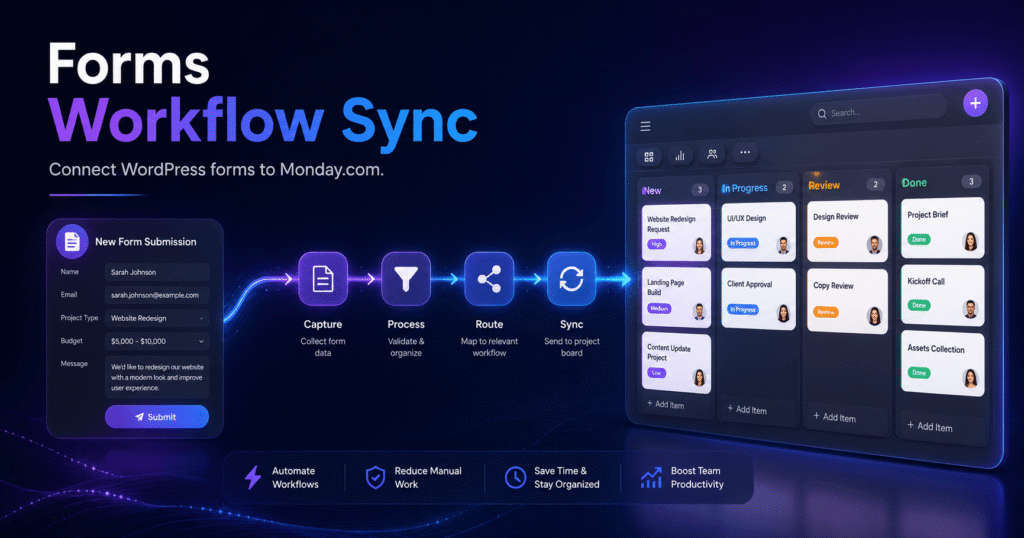

Forms Workflow Sync – Connect WordPress Forms to Monday.com
Forms Workflow Sync is a powerful WordPress automation plugin that sends form submissions directly to Monday.com. It helps businesses, agencies, sales teams, support departments, and website owners turn incoming form entries into organized and actionable Monday.com items.
Instead of manually copying customer details, leads, support requests, applications, registrations, or WooCommerce order information, Forms Workflow Sync automates the entire process. Each submission can be sent to a selected Monday.com board, group, and set of columns, helping your team respond faster and reduce repetitive data entry.
Automate WordPress Form Submissions
Forms Workflow Sync creates a seamless connection between your WordPress website and Monday.com. When a visitor submits a supported form, the plugin automatically processes the entry and creates or updates an item on the appropriate Monday.com board.
You can use the plugin to automate workflows such as:
- Sending contact form leads to a sales pipeline
- Creating support tasks from customer enquiries
- Managing job and membership applications
- Organizing quote and consultation requests
- Tracking event registrations and booking forms
- Sending WooCommerce orders to fulfilment boards
- Updating existing customer or lead records
- Assigning submissions to specific departments or team members
This gives your team a centralized place to manage website submissions without constantly switching between WordPress and Monday.com.
Flexible Field Mapping
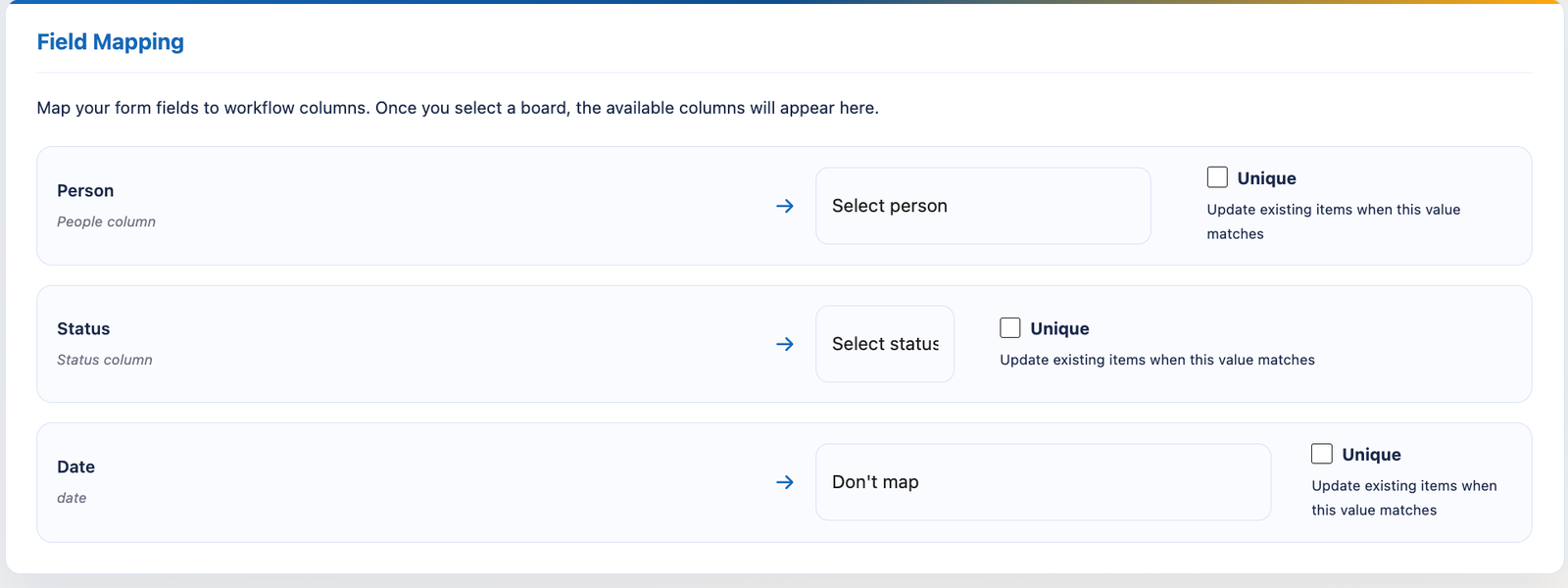
The plugin includes an easy-to-use field-mapping system that allows you to connect WordPress form fields with Monday.com columns.
You can map information such as:
- Customer names
- Email addresses
- Phone numbers
- Messages and long-text responses
- Dates
- Numeric values
- Website URLs
- Checkbox selections
- Status columns
- People assignments
Each integration can be configured independently, giving you full control over where submitted information is sent and how it appears inside Monday.com.
Automatically Assign Statuses and Team Members
Forms Workflow Sync supports static Monday.com values in addition to submitted form data.
For example, you can automatically:
- Set every new lead to “New”
- Assign support requests to a specific team member
- Add a category or department
- Set an initial workflow stage
- Route different forms to different boards or groups
This ensures that new items arrive with the correct status and assignment, helping your team begin work immediately.
Create New Items or Update Existing Records
The plugin can search Monday.com for an existing item using selected unique fields.
When a matching item is found, Forms Workflow Sync can update the existing record instead of creating a duplicate. This is useful for workflows involving repeat customers, account updates, recurring applications, lead nurturing, or customer onboarding.
Unique-field matching helps keep Monday.com boards clean, organized, and free from unnecessary duplicate records.
Contact Form 7 to Monday.com Integration
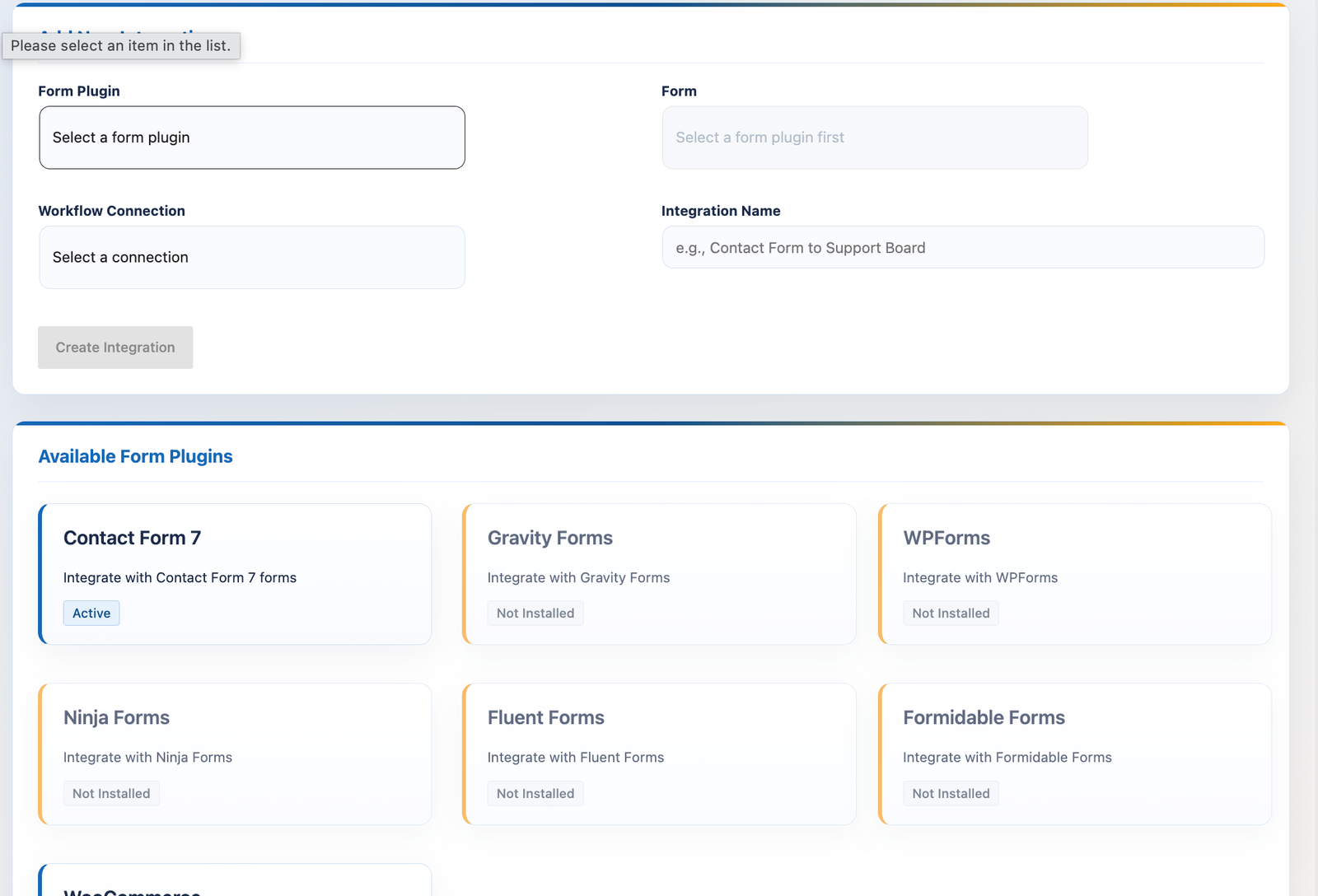
The free version of Forms Workflow Sync is ideal for users who want to connect Contact Form 7 with Monday.com.
It includes:
- Contact Form 7 integration
- One Monday.com connection
- One active form-to-board integration
- Custom field mapping
- Board and group selection
- Submission tracking
This makes it suitable for a contact form, enquiry form, lead-generation form, or other basic WordPress workflow.
Premium Form Builder Integrations
The premium version expands the plugin with support for additional WordPress form builders and advanced automation features.
Supported premium integrations include:
- Gravity Forms
- WPForms
- Ninja Forms
- Fluent Forms
- Formidable Forms
- WooCommerce order events
Premium plans also provide multiple connections, unlimited integrations, and automatic retry processing for failed submissions.
WooCommerce to Monday.com Automation
Forms Workflow Sync can send WooCommerce order data to Monday.com when important store events occur.
Automations can run when:
- A new order is created
- An order is completed
- An order changes status
This allows online stores to build automated workflows for order fulfilment, customer service, inventory coordination, sales reporting, and internal order management.
WooCommerce orders can become structured Monday.com items containing relevant customer, order, and status information.
Submission History and Error Tracking
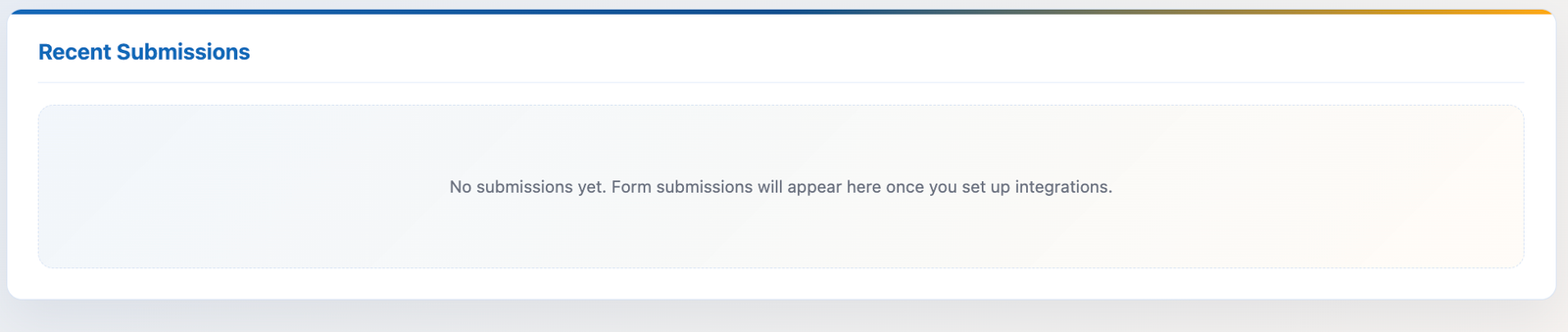
The plugin includes a dedicated submission-management area inside the WordPress dashboard.
Administrators can review:
- Successful submissions
- Failed submissions
- Created Monday.com items
- Updated Monday.com items
- Processing status
- Operational logs
This makes it easier to monitor integrations and troubleshoot problems without searching through server files or external systems.
Premium retry processing can automatically attempt to resend submissions that failed because of temporary API or connection issues.
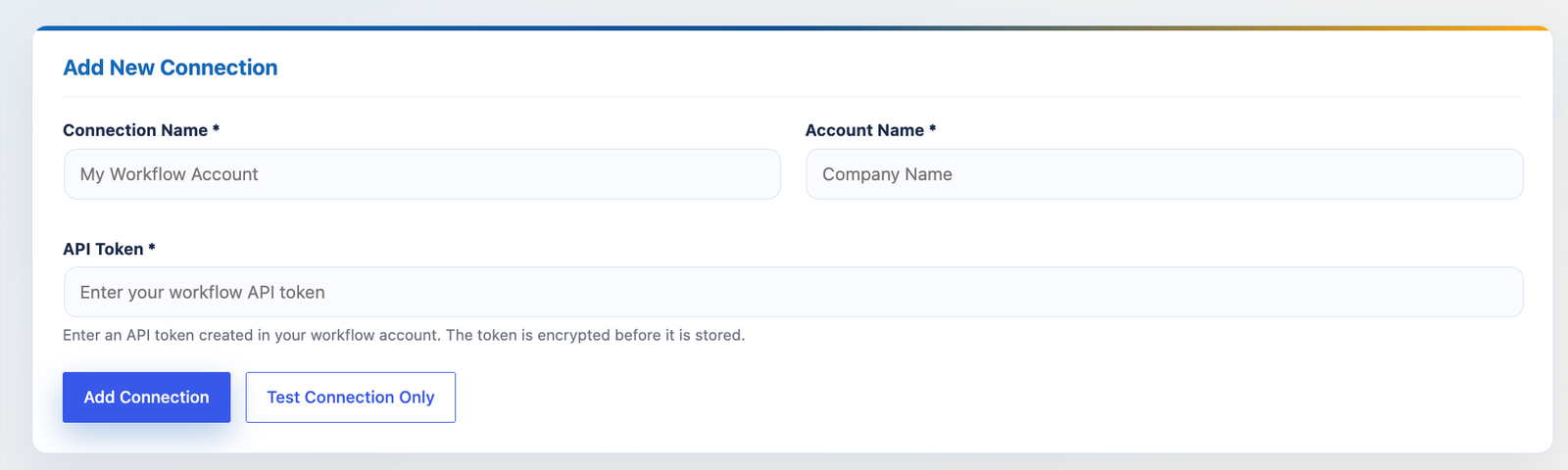
Secure Monday.com API Connection
Forms Workflow Sync is designed with WordPress security best practices in mind.
Monday.com API credentials are stored using encryption, while administrative actions are protected with permissions and nonce verification. The plugin also validates API responses, sanitizes submission data, and redacts sensitive information from operational logs where appropriate.
These safeguards help protect your Monday.com connection and submitted customer data.
Built for Businesses, Agencies, and Growing Teams
Forms Workflow Sync is suitable for a wide range of WordPress users.
Small businesses can automatically send contact enquiries and leads into Monday.com.
Sales teams can create new pipeline items from lead-generation forms.
Support teams can convert customer requests into trackable tasks.
Online stores can send WooCommerce orders into fulfilment and customer-service workflows.
Agencies can manage multiple client websites, forms, boards, and Monday.com connections from flexible integrations.
Reduce Manual Work and Improve Response Times
Manual data entry takes time and can result in missing information, duplicate records, and avoidable mistakes.
Forms Workflow Sync automates the transfer of information between WordPress and Monday.com, allowing your team to focus on customers and projects instead of copying form submissions.
With configurable mappings, automatic assignments, existing-item updates, submission history, and multiple integration options, the plugin provides a reliable way to connect your website with your internal workflows.
Turn WordPress form submissions into organized Monday.com items and keep your leads, customers, orders, and team processes moving forward.